How to choose
Start with the role PostgreSQL plays in your app:
- Only a database: choose Neon when your app already has an API layer and you mainly need standard Postgres with branching and serverless economics.
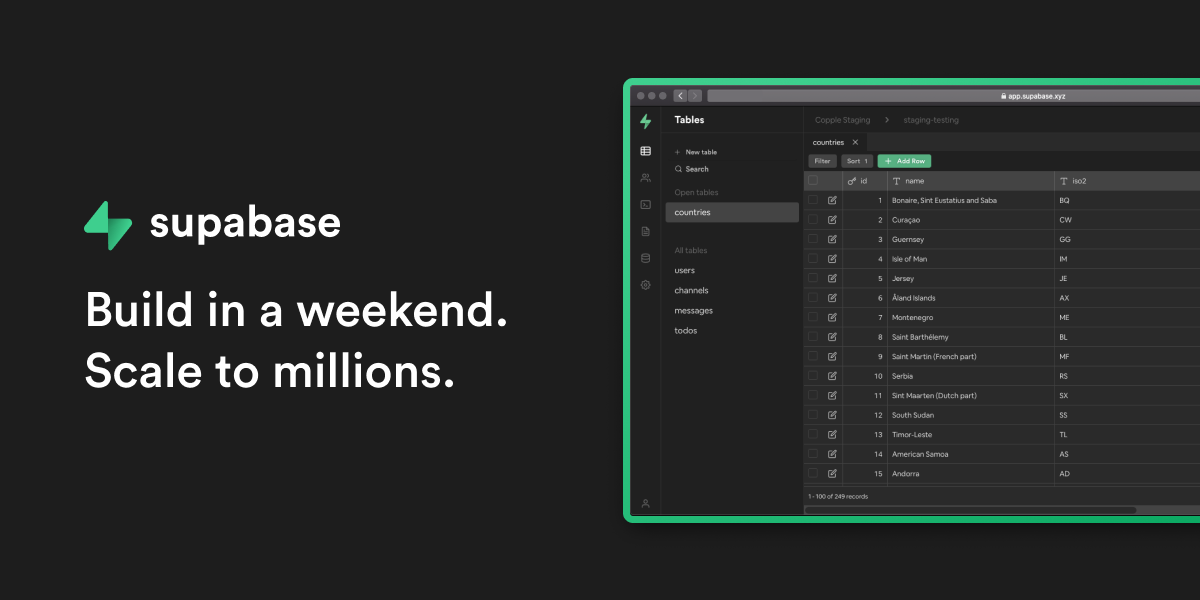
- Backend as a service: choose Supabase when the database should also expose auth, storage, realtime subscriptions and client APIs.
- Prototype on a PaaS: choose Render when the database is attached to a demo web service and a short free window is enough.
- Full-stack trial workflow: choose Railway when you want database provisioning, app deployment and environment management in one product.
The SEO trap in this niche is pretending all “free Postgres” offers are equivalent. They are not. Some are genuinely useful long-term development allowances, some are small always-free project quotas, and some are trials designed to help you start before paying.
Practical recommendation
For most new projects that only need PostgreSQL, start with Neon. It gives you real Postgres, branching for previews and development, and a free model that fits intermittent workloads well. If you also need authentication, file storage, realtime features or generated APIs, start with Supabase instead.
Use Render or Railway when the database is part of a broader full-stack deployment experiment. They are convenient, but the current free or trial-shaped offers make them less attractive as permanent free database homes.
Free-tier catches to watch
Free PostgreSQL hosting usually runs into these limits first:
- database storage
- compute hours or idle scale-to-zero behavior
- connection limits
- backup and restore windows
- project count
- branch count
- inactive project pausing
- trial expiration or monthly credits
- lack of production support or uptime guarantees
If the database will hold customer data, payments, private messages or any content you cannot easily recreate, plan the paid path before launch. The best free database is the one that lets you begin cheaply without forcing a painful migration later.




 Cloudflare Pages
 Vercel
 Netlify