Cloudflare Temp Email
dreamhunter2333/cloudflare_temp_email ↗ ·★ 11.1k ·TypeScript ·MIT
Full temporary email service on Cloudflare Pages, Workers and D1, with sending, AI parsing, attachments and Telegram integrations.
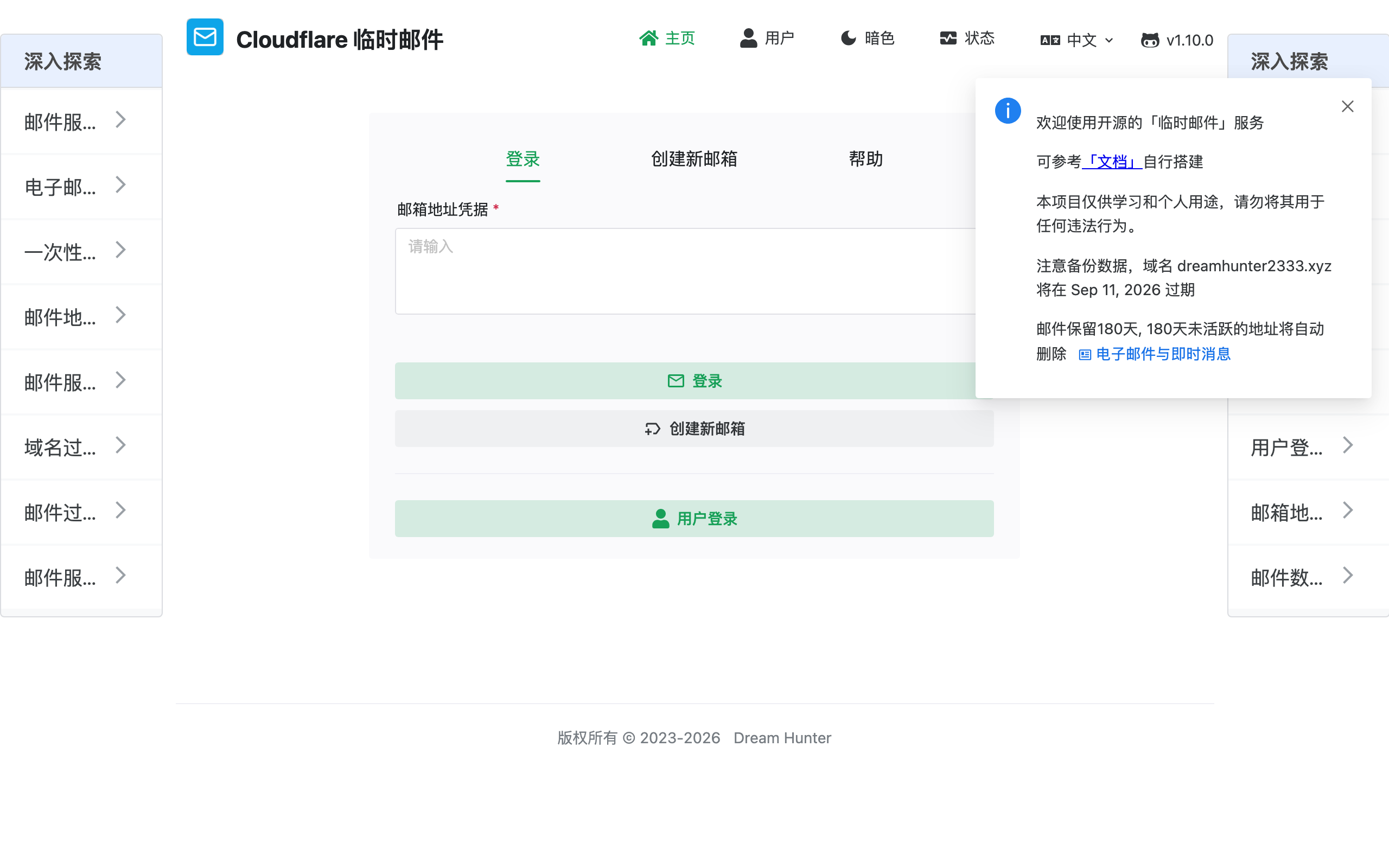
Overview
Cloudflare Temp Email is a self-hosted disposable email service that runs end to end on Cloudflare’s free tiers. The frontend is a Vue app on Pages, the backend is a Worker, messages are stored in D1, and inbound mail is delivered through Cloudflare Email Routing. The current README positions it as a full temporary-mail product rather than a tiny inbox demo.
Unlike public throwaway-mail sites, self-hosting means the addresses and their contents stay private to you. You can generate addresses under your domain, parse difficult messages with the Rust WASM mail parser, extract verification codes and links with Workers AI, view attachments, and send replies through configured providers. Optional authentication lets you gate the admin panel and individual mailboxes.
The main prerequisite is a domain managed by Cloudflare so Email Routing can hand messages to the Worker. After that, deployment follows the project’s docs or GitHub Action path: provision D1, configure Worker bindings, deploy the Worker backend, deploy the Pages frontend, and point a catch-all route at the Worker. Telegram notifications, webhooks, SMTP proxy, IMAP access and optional R2/S3 attachment storage make it a serious tour of the Cloudflare email stack.
Highlights
- ✓ Disposable inboxes on your own domain via Cloudflare Email Routing
- ✓ Frontend on Pages, backend on Workers, storage in D1 — all serverless
- ✓ Rust WASM parsing, AI code/link extraction, attachments and spam controls
- ✓ Telegram bot, webhook, SMTP proxy and IMAP access for deeper integrations
Best for
- →Running your own private temp-mail service
- →Throwaway addresses for signups and testing
- →Learning Email Routing, Workers, D1, R2/KV and Workers AI together
Getting started
- 1 Add a domain to Cloudflare and enable Email Routing
- 2 Follow the deployment docs or GitHub Action flow from the README
- 3 Create a D1 database and configure Worker bindings for mail, optional storage and AI features
- 4 Deploy the Worker backend and Pages frontend, then route inbound email to the Worker
FAQ
Yes. The service relies on Cloudflare Email Routing, which requires a domain on Cloudflare. Once added, you can generate unlimited addresses under it.
Yes. The README lists inbound mail, outbound sending with DKIM, SMTP/Resend-style sending options, plus SMTP proxy and IMAP access for clients.
Cloudflare Pages, Workers, D1 and Email Routing all have free tiers that comfortably cover personal use. Your main requirement is a domain on Cloudflare.
Deployment guides
Deploy Cloudflare Temp Email for free
Free-tier platforms that can host this project. Pick one and ship it.